 Sealed on device
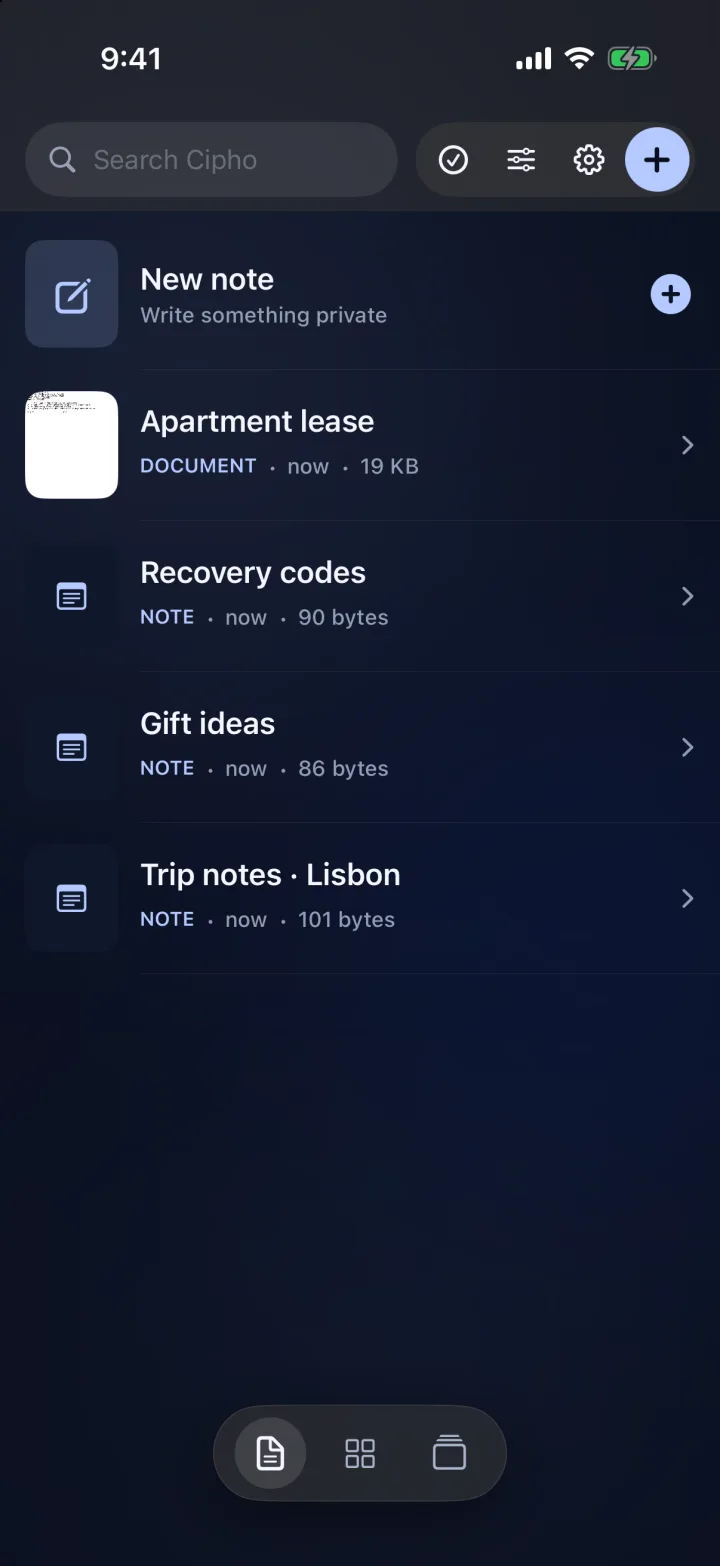
Docs
Notes and papers, kept quiet.
Passports, leases, recovery codes — and private notes you can write right inside your vault, instead of leaving them in plain sight.
Private vault for iPhone & iPad
Cipho keeps the photos, videos, notes and documents you’d never want anyone to see — locked behind a key only you know. Beautiful to browse. Impossible to snoop.
Free to start · iPhone & iPad · No ads
Encrypted on your phonebefore it’s saved or synced
Your key, only yoursnever stored anywhere
Nothing readablein the cloud — not even file names
Inside Cipho
Three calm ways to look back on the things you keep to yourself.
Passports, leases, recovery codes — and private notes you can write right inside your vault, instead of leaving them in plain sight.
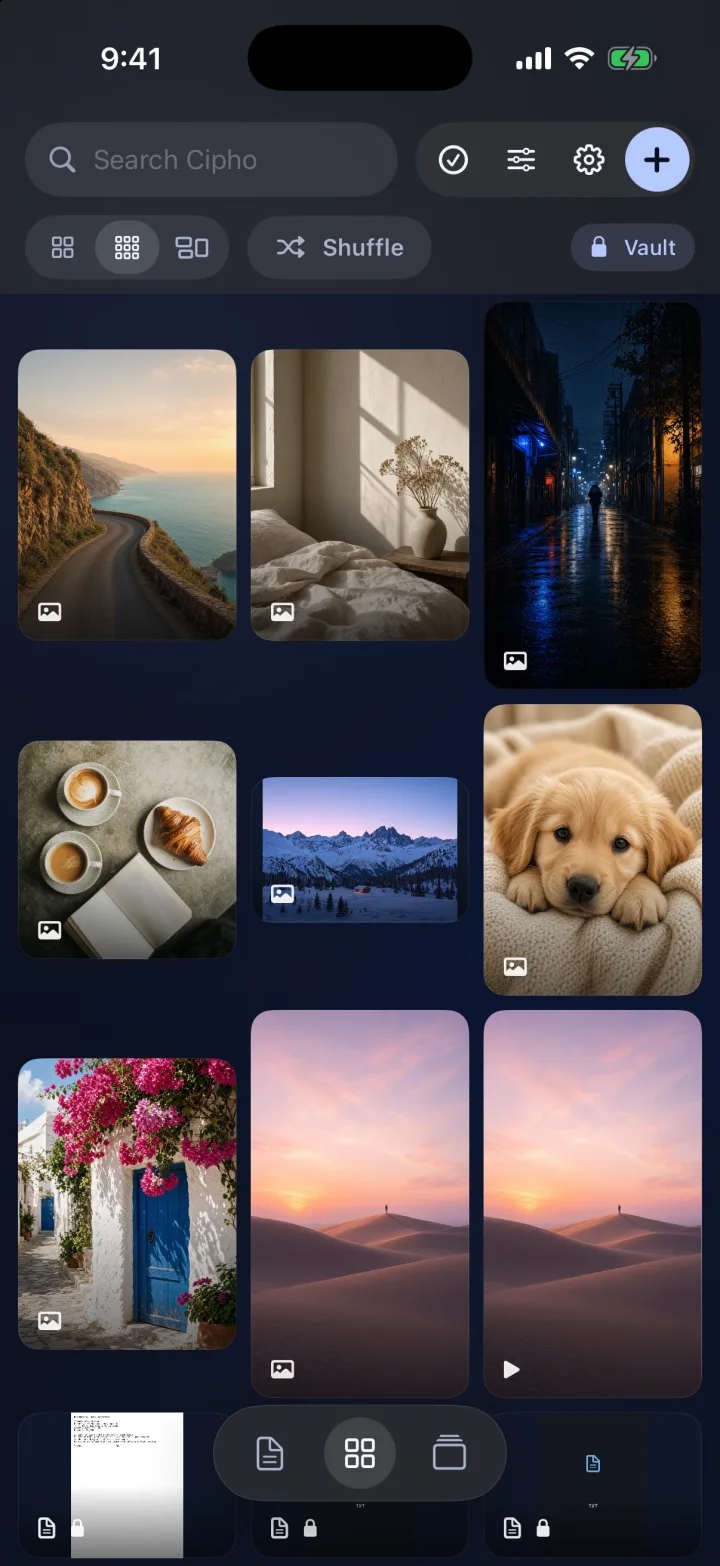
Photos and videos in a beautiful grid — roomy, dense or masonry. Collections and tags keep everything easy to find.
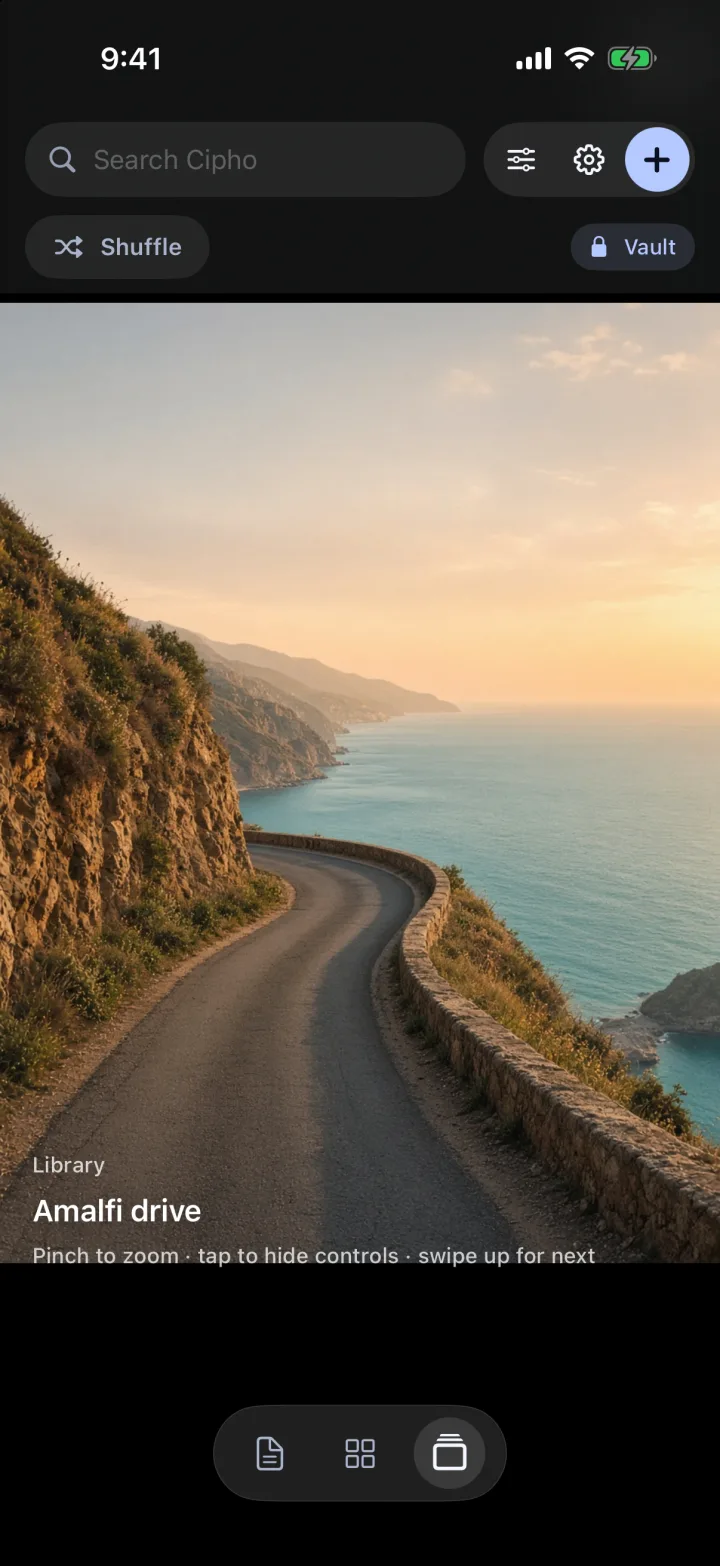
Swipe through your memories edge to edge, with videos that simply play. Shuffle when you want to be surprised.
Security
A hidden album only hides things. Cipho seals them. Every file is encrypted on your device, with a key made from your password, before it’s saved, synced or sent anywhere.
Every photo, video, note and file is locked with 256-bit encryption on your iPhone or iPad. Our servers only ever hold sealed data — not your photos, not your notes, not even your file names.
Your vault key is never stored — not on our servers, not in iCloud, not behind Face ID. Nobody can unlock your vault with your face while you sleep.
A self-destruct key for when you’re pressured, and an automatic wipe after 30 days unopened. How it works →
Cipho blurs itself in the app switcher and stays blank in screen recordings, so nothing slips out over your shoulder.
Let someone send you files with a link. Everything is sealed in their browser before it uploads, and lands straight in your vault.
The honest trade-off: if you forget your vault key, no one can recover your files — including us. That’s what private really means.
Self-destruct
Maximum security means knowing when to let go. Cipho can erase a vault for good — on your phone and in your cloud backup — the moment you need it, or all on its own.
Every vault has two keys: the one that opens it, and one that destroys it. If anyone ever forces you to unlock Cipho, type your self-destruct key instead.
Each vault keeps its own 30-day clock. Unlock it with your key and the clock resets. Leave it unopened for 30 days and Cipho erases its contents automatically.
iPad
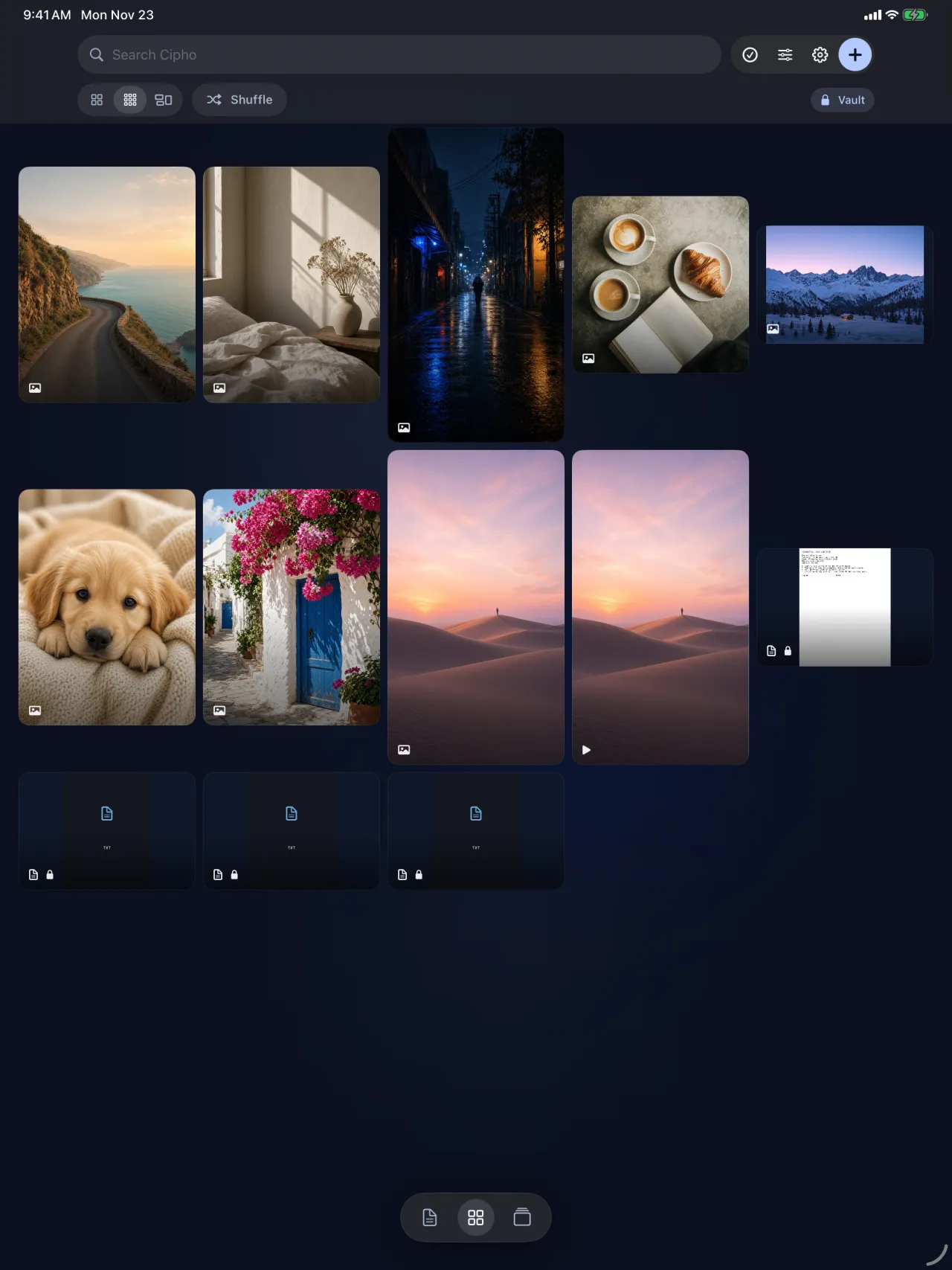
Cipho opens up on the big screen — more of your library per row, in portrait or landscape, with the same quiet design and the same sealed vault.
Pricing
Every protection in Cipho is free, forever. Plus is for more room and more vaults.
$0forever
Everything you need to keep things private.
$49.99 / year
Just $4.17 a month, billed yearly.
Billed through the App Store. Cancel anytime — your vault and everything in it stays yours.
Questions
No. Everything is encrypted on your device with a key only you know. What reaches our servers is sealed data we have no way to open.
We can’t reset it, and neither can anyone else. Choose something memorable — it’s the price of real privacy, and the reason your vault can’t be opened by anyone but you.
Face ID can be used on you without your say — while you’re asleep, or if someone holds the phone to your face. Cipho only opens with a key that lives in your head.
A second key you choose when you set up your vault. Typing it instead of your real key erases the vault on the spot — from your phone and your cloud backup — while Cipho just looks like the key was wrong.
Every vault erases itself if it isn’t unlocked for 30 days. Each unlock resets the clock, so as long as you use Cipho, nothing changes. It’s always on, so a lost or taken phone never keeps your private things for long.
Nothing is deleted. Your vault stays sealed and yours — you simply go back to the Free limits.
Yes. Cipho is designed for iPhone and iPad, in portrait and landscape.

Cipho is arriving on the App Store soon. Free to start, on iPhone and iPad.
Coming soon on theApp Store